
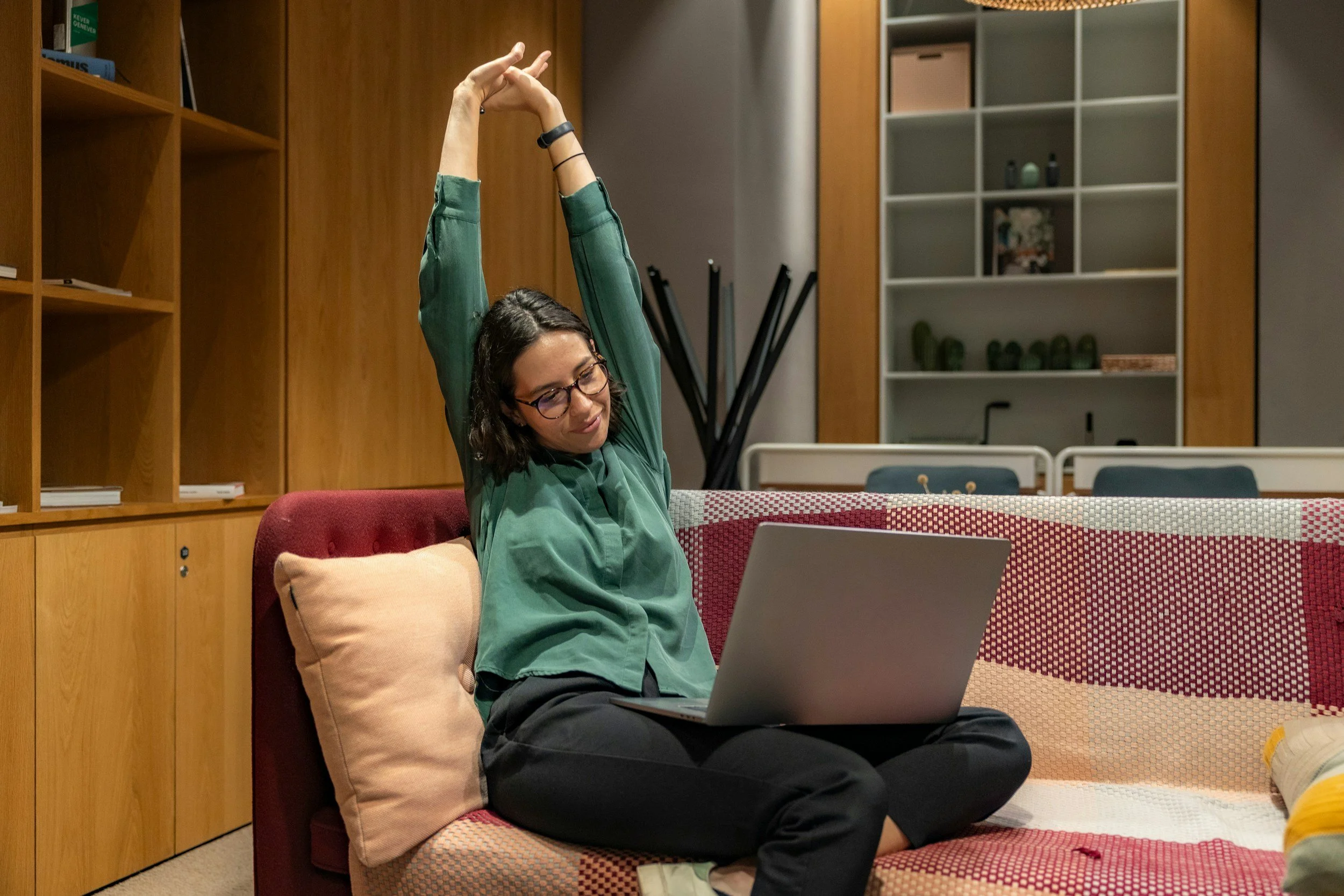
Working at a desk can keep the neck, shoulders, hips, and hands in similar positions for long periods. A brief stretching routine can provide a reason to change position, notice areas of tension, and break up extended computer work.
Stretching does not correct a poorly arranged workstation or replace regular physical activity. The most useful routine combines gentle stretches with short walks, position changes, and practical adjustments to the desk.
Keep the Routine Short
Start with five minutes rather than planning a complicated workout. A short routine is easier to repeat during a busy workday.
Choose two or three reliable times, such as:
Before beginning work
After a long meeting
Before lunch
During an afternoon break
At the end of the workday
NIOSH notes that short breaks during computer work can help reduce discomfort. Setting an hourly reminder to stand, walk, or change tasks may be more useful than stretching once and remaining seated for the rest of the day.
Use Gentle, Comfortable Movement
A stretch should create mild tension, not sharp pain. Move slowly and avoid bouncing or forcing a joint beyond its comfortable range.
For each stretch:
Begin in a stable position.
Move until you feel gentle tension.
Continue breathing normally.
Hold for approximately 15 to 30 seconds if comfortable.
Return slowly to the starting position.
Repeat on the other side when appropriate.
Stretching should not cause numbness, tingling, dizziness, weakness, or increasing pain. Stop if any of these symptoms occur.
Begin With a Posture Reset
Before stretching, stand or sit upright and let the arms rest comfortably. Relax the shoulders away from the ears.
Gently move through the following positions:
Look straight ahead
Bring the head back slightly without tilting it
Draw the shoulder blades gently back and down
Place both feet firmly on the floor
Take several slow breaths
This is not a position that must be held all day. It is a brief reset before moving.
Stretch the Neck Gently
Keep the shoulders relaxed and face forward. Slowly tilt one ear toward the same-side shoulder without lifting the shoulder.
Hold at a comfortable point, return to center, and repeat on the other side.
For a second movement, turn the head slowly to look over one shoulder. Keep the chin level and stop before the movement becomes strained.
Avoid pulling forcefully on the head. Skip neck stretches and seek professional guidance if movement causes dizziness, radiating pain, numbness, or other unusual symptoms.
Open the Chest and Shoulders
Desk work can involve reaching toward a keyboard and screen for long periods. A gentle chest stretch provides movement in the opposite direction.
Stand in an open doorway and place one forearm against the frame with the elbow below or near shoulder height. Step forward slightly until you feel a mild stretch across the chest and front of the shoulder.
Keep the shoulder down and avoid leaning aggressively through the doorway. Repeat on the other side.
If the doorway position is uncomfortable, stand with the arms relaxed and gently draw the shoulders back without arching the lower back.
Stretch the Upper Back
Sit upright with both feet supported. Extend the arms forward and loosely clasp the hands.
Allow the upper back to round slightly while reaching the hands forward. Keep the shoulders relaxed and avoid forcing the chin toward the chest.
Another option is to place the hands on the desk, move the chair back, and hinge forward slightly while keeping the arms supported. Stop if the position creates shoulder or back pain.
Move the Wrists and Forearms
Typing and mouse use involve repeated hand and forearm movements. Stretch one arm forward with the elbow comfortable rather than locked.
With the palm facing down, use the opposite hand to guide the fingers gently toward the floor. The stretch should be felt along the top of the forearm.
Then turn the palm upward and gently guide the fingers down to stretch the underside of the forearm.
Use light pressure. These stretches should not reproduce tingling, numbness, or electric-like sensations.
Finish by slowly opening and closing the hands several times and making comfortable wrist circles.
Add a Seated Torso Turn
Sit upright with both feet on the floor. Place one hand on the opposite thigh and turn the chest gently to that side.
Keep the movement controlled and avoid using the arms to force a deeper twist. Return to the center and repeat on the other side.
The movement should come from a comfortable rotation through the upper body. Skip it if twisting worsens back pain or another existing condition.
Stretch the Hip Flexors
Extended sitting keeps the hips bent for much of the day. A standing split-stance stretch can provide a gentle change in position.
Stand near a desk or wall for balance. Step one foot back and keep both feet facing forward. Bend the front knee slightly while keeping the back leg extended comfortably.
Keep the torso upright and gently shift forward until you feel a stretch near the front of the back hip. Avoid arching the lower back.
Repeat on the other side.
Stretch the Calves
Face a wall or stable desk and place both hands on it. Step one foot back, keeping the heel down and toes pointing forward.
Bend the front knee and shift forward until you feel a mild stretch in the back calf. Keep the rear knee straight but not forcefully locked.
Repeat with the other leg. A second version with the back knee slightly bent may shift the stretch lower in the calf.
Finish With a Short Walk
Walking changes the demands on the body more than remaining beside the desk for every stretch.
After the routine, walk for a few minutes if possible. Refill water, use a restroom on another floor, walk through the building, or take a short lap around the home.
The routine should help interrupt sedentary time rather than become another task completed while staying in the same position.
Use a Simple Five-Minute Routine
A beginner routine might include:
Posture reset and slow breathing
Gentle neck tilt on each side
Doorway chest stretch
Forearm stretch in both directions
Standing hip-flexor stretch
Calf stretch
A short walk
There is no need to include every stretch each time. Choose movements that feel useful and rotate them during the day.
Adjust the Workstation Too
Stretching will have limited value if the workstation repeatedly forces awkward reaching or twisting.
Check that:
The primary monitor is directly in front
The top of the screen is at or slightly below eye level
The keyboard and mouse are close
The shoulders can remain relaxed
The wrists stay reasonably straight
The lower back is supported
The feet rest on the floor or a footrest
Frequently used items are easy to reach
A laptop used for long periods may be easier to arrange with a separate keyboard and mouse. Raising the screen alone can make typing uncomfortable, so adjust the equipment as a complete system.
Build the Habit Into Existing Tasks
Connect stretching with something that already happens regularly. Stretch after sending a weekly report, before a scheduled meeting, or while waiting for coffee to brew.
Other helpful strategies include:
Placing a reminder near the monitor
Scheduling a brief calendar break
Keeping the routine written on a note
Stretching with a coworker
Standing during suitable phone calls
Alternating screen work with other tasks
Do not aim for a perfect routine. Consistency with a few comfortable movements is more practical than an ambitious plan that is quickly abandoned.
Know When Stretching Is Not Enough
Persistent pain may be related to the workstation, job demands, an injury, or another health condition. Stretching should not be used to push through worsening symptoms.
Seek appropriate medical or occupational-health guidance for:
Persistent or severe pain
Numbness or tingling
Weakness or loss of grip
Swelling
Pain that travels into an arm or leg
Symptoms that interrupt sleep
Dizziness during neck movement
Discomfort that continues despite workstation changes
Report work-related symptoms through the appropriate employer process when applicable.
A daily stretching routine can be simple: move gently, change positions regularly, and take brief breaks from the screen. The routine is most useful when it supports a better workstation and a workday that includes regular movement.
This article provides general educational information and is not individualized medical, physical therapy, exercise, or workplace-safety advice.
